
Artificial Intelligence has transformed the creative industry, and Midjourney is now one of the most powerful tools for generating stunning visuals. Designers, marketers, and content creators are increasingly using Midjourney to produce hyper-realistic images that look almost identical to professional photography.
However, achieving realistic results requires more than simply typing a prompt. You must understand prompt structure, camera language, lighting details, and Midjourney parameters.
In this guide, you’ll learn step-by-step techniques to create realistic images in Midjourney, including prompt formulas and expert tips used by professional designers.
Why Realistic AI Images Are Trending
Realistic AI visuals are gaining popularity because they can replace expensive photoshoots and speed up creative workflows.
Designers now use AI to create:
- Product mockups
- Advertising visuals
- Portrait photography
- Cinematic concept art
- Fashion campaign visuals
With the right prompts, Midjourney can generate images that look like they were captured with professional cameras.
Step 1: Use Detailed Prompt Descriptions
The most important rule for realistic images is specificity.
Instead of writing a simple prompt like:
woman portrait
Use a detailed prompt such as:
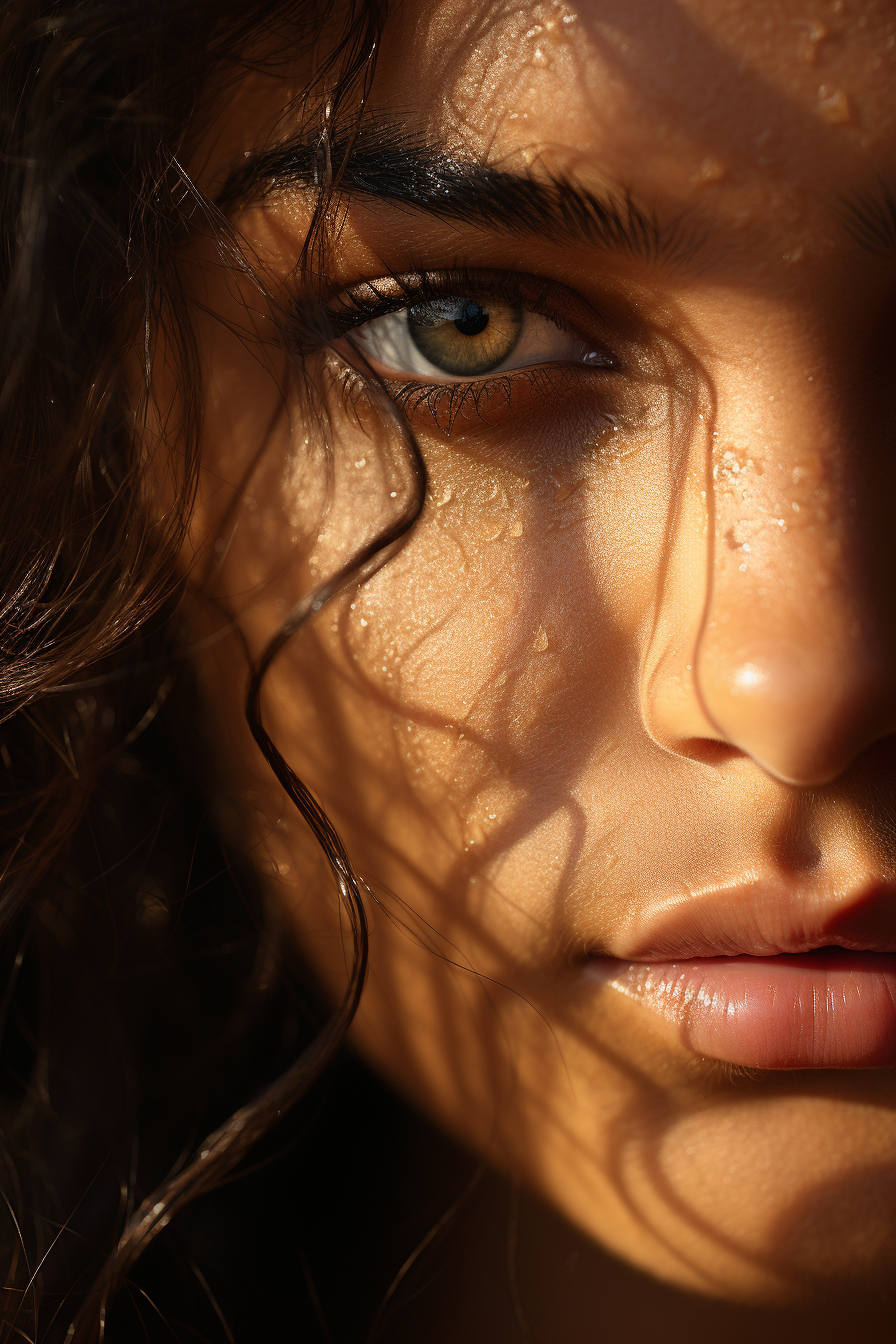
realistic portrait of a young woman, natural skin texture, soft cinematic lighting, shallow depth of field, 85mm lens photography, ultra detailed, professional photography
The more descriptive your prompt is, the better Midjourney understands the scene.
Step 2: Use Camera and Photography Terms
Midjourney performs much better when prompts include photography terminology.
Examples include:
- 35mm lens
- 50mm lens
- 85mm portrait lens
- depth of field
- cinematic lighting
- studio lighting
- bokeh background
Example Prompt
hyper realistic portrait photography, shot on 85mm lens, soft cinematic lighting, natural skin texture, shallow depth of field, DSLR photo, ultra detailed
This helps Midjourney generate images that resemble professional photography.
Step 3: Add Lighting Details
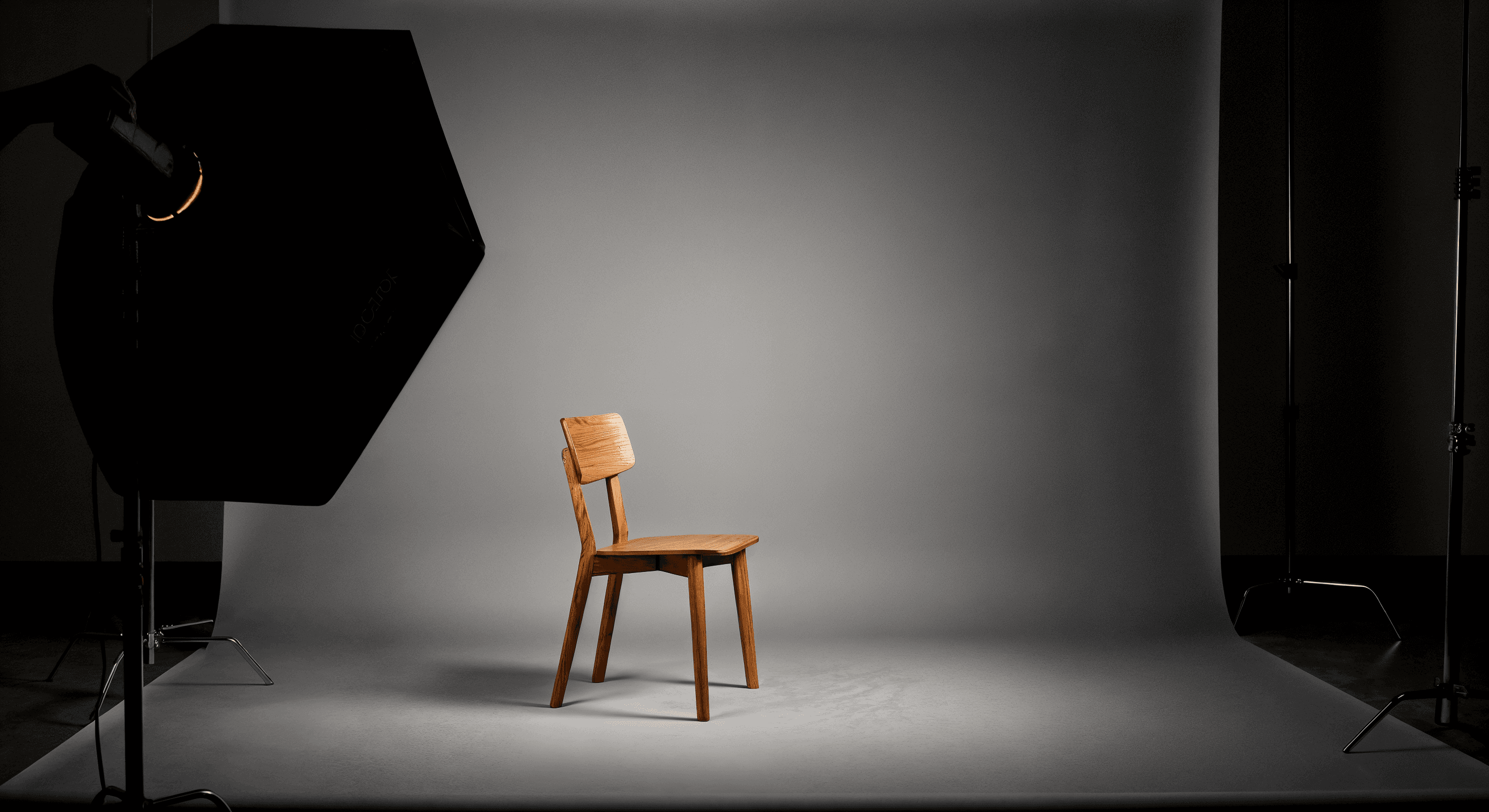
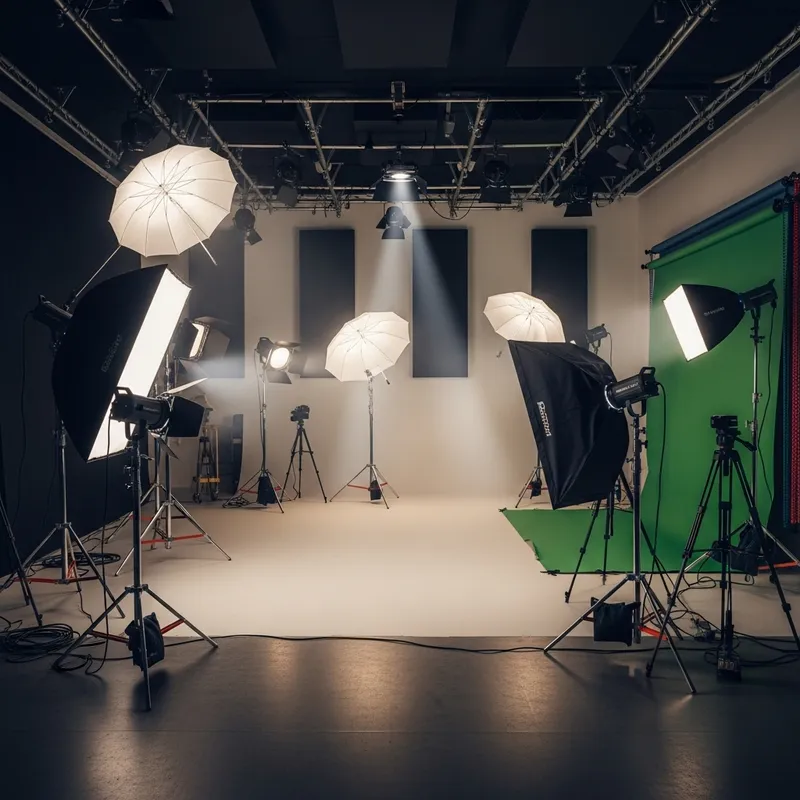
Lighting dramatically affects realism.
Use terms like:
- studio lighting
- natural sunlight
- golden hour lighting
- soft shadows
- cinematic lighting
- volumetric light
Example Prompt
realistic product photography of luxury perfume bottle, studio lighting, reflective surface, soft shadows, ultra detailed, professional advertising photo
Lighting cues make AI images appear far more believable.
Step 4: Use Realistic Textures
One common mistake beginners make is ignoring texture details.
To improve realism, include terms like:
- natural skin texture
- fabric texture
- realistic reflections
- detailed materials
- high resolution textures
Example Prompt
hyper realistic leather handbag product photography, natural leather texture, studio lighting, high resolution, advertising photo
Step 5: Use Midjourney Parameters
Midjourney parameters control image quality and style.
Useful parameters include:
--v 6
--style raw
--q 2
Example prompt with parameters:
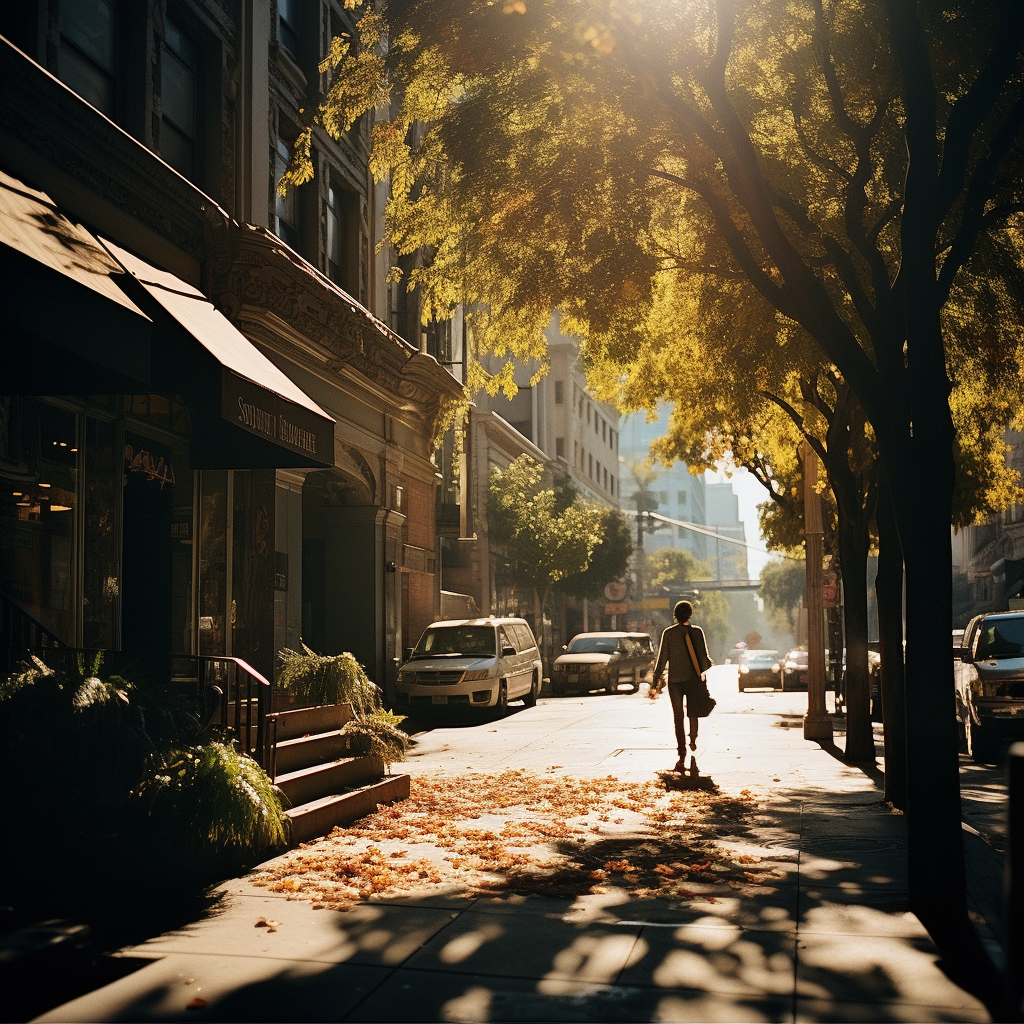
realistic street photography, man walking in rainy city, reflections on wet road, cinematic lighting, 50mm lens photography --style raw --v 6
These settings help create less stylized and more realistic results.
10 Powerful Midjourney Prompts for Realistic Images
Here are some ready-to-use prompts.
1. Realistic Portrait Photography
hyper realistic portrait of a young man, natural skin texture, cinematic lighting, 85mm lens photography, shallow depth of field
2. Realistic Fashion Photography
fashion photography model walking in city street, golden hour lighting, editorial fashion photo, ultra detailed
3. Realistic Product Photography
luxury watch product photography, studio lighting, reflective surface, ultra detailed advertising photo
4. Realistic Food Photography
realistic food photography, gourmet burger on wooden table, soft natural lighting, depth of field
5. Realistic Street Photography
realistic street photography, busy Tokyo street at night, neon lights reflections, cinematic lighting
6. Realistic Landscape Photo
photorealistic mountain landscape, golden hour sunlight, ultra detailed nature photography
7. Realistic Interior Photography
modern luxury living room interior photography, natural window lighting, ultra realistic design
8. Realistic Animal Portrait
hyper realistic lion portrait, natural fur texture, dramatic lighting, wildlife photography
9. Realistic Technology Product Shot
modern smartphone product photography, studio lighting, reflective glass surface
10. Realistic Lifestyle Photography
young woman working on laptop in modern cafe, natural sunlight, realistic photography
Common Mistakes When Creating Realistic Midjourney Images
Avoid these mistakes:
❌ Writing very short prompts
❌ Using cartoon or illustration keywords
❌ Forgetting lighting descriptions
❌ Not using camera terminology
The best prompts combine subject + lighting + camera + realism keywords.
Final Thoughts
Creating realistic visuals with Midjourney is a powerful skill for designers and content creators. With the right prompt structure, lighting descriptions, and photography terms, you can generate images that look almost identical to real photographs.
Whether you’re creating advertising visuals, product photography, or portrait images, mastering realistic prompts will dramatically improve your AI-generated results.
Start experimenting with these techniques and transform your design workflow with AI.