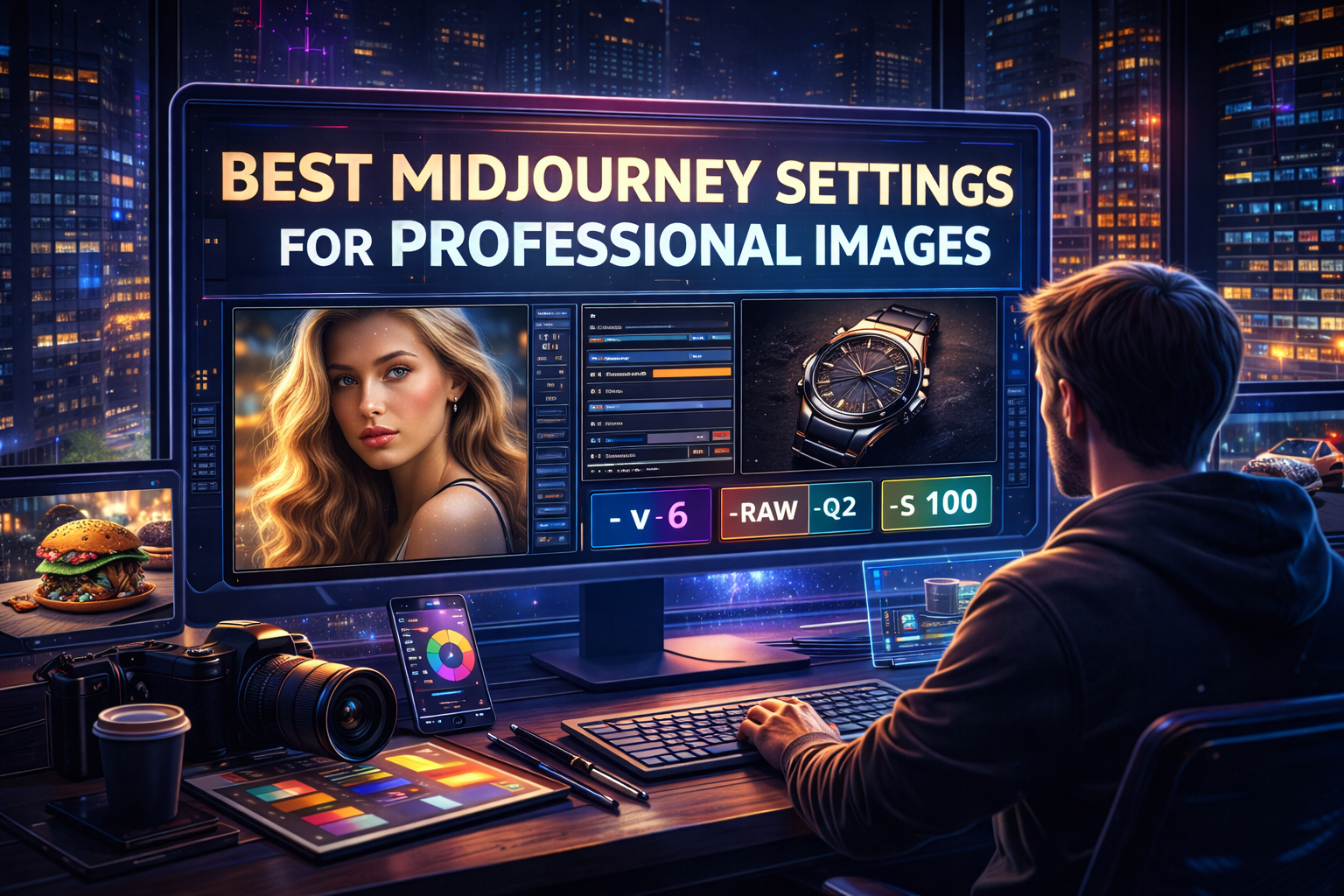


Artificial intelligence is transforming the creative industry, and Midjourney has become one of the most powerful tools for generating professional-quality images. Designers, marketers, and digital artists now use Midjourney to create stunning visuals for advertising, branding, social media, and creative projects.
However, many users fail to achieve professional-looking results because they don’t use the correct settings. Midjourney offers several parame ters that control image quality, realism, style, and detail.
In this guide, you’ll learn the best Midjourney settings for professional images, along with practical examples to improve your results instantly.
Why Midjourney Settings Matter
When you type a prompt in Midjourney, the settings determine:
- Image realism
- Level of detail
- Rendering quality
- Artistic style
- Generation speed
Using the right parameters helps you generate studio-quality visuals instead of basic AI images.
1. Use the Latest Version Parameter
Midjourney constantly updates its AI models. The newest versions produce better realism and detail.
Recommended Setting
--v 6
Example prompt:
luxury watch product photography, studio lighting, ultra detailed --v 6
The newer model versions produce sharper images and better textures.
2. Use the --style raw Parameter
Many AI images look overly artistic. If you want realistic professional visuals, use:
--style raw
Example:
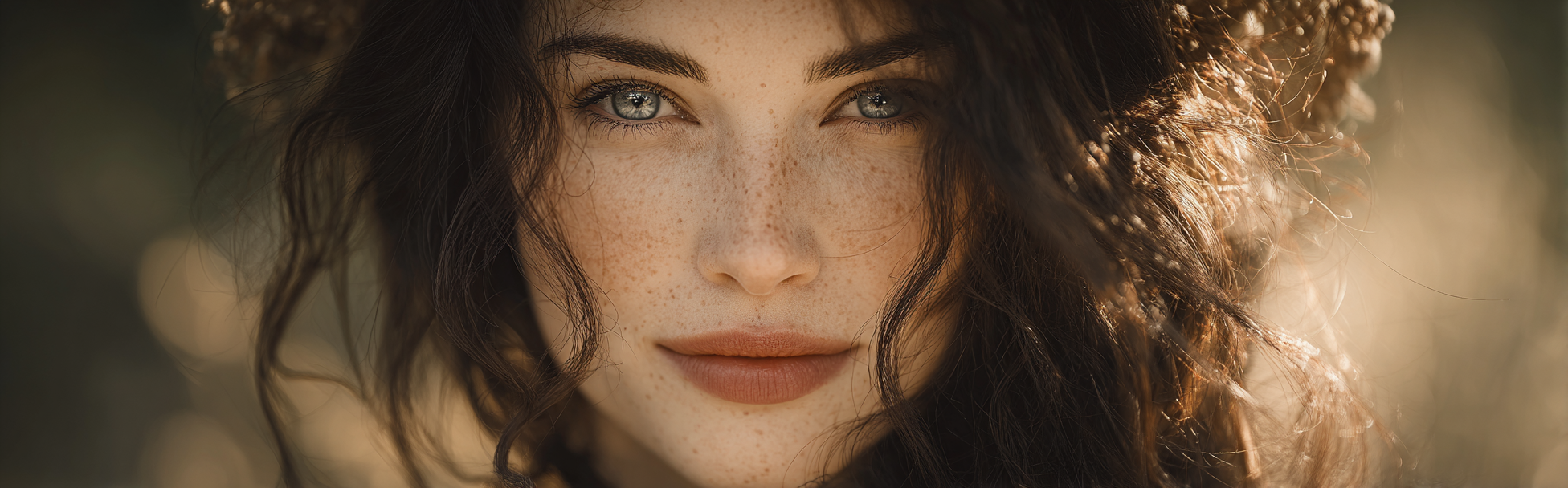
realistic portrait photography, natural skin texture, soft lighting --style raw
This setting removes excessive stylization and creates more natural-looking images.
3. Increase Image Quality with --q
Midjourney’s quality parameter controls how much processing power is used.
Recommended Professional Setting
--q 2
Example:
modern product photography, premium perfume bottle, studio lighting --q 2
Benefits:
✔ More detail
✔ Better textures
✔ Higher image clarity
4. Use the Correct Aspect Ratio
Aspect ratio controls the shape of your image.
Common Professional Ratios
| Use Case | Aspect Ratio |
|---|---|
| Social Media | --ar 1:1 |
| YouTube Thumbnail | --ar 16:9 |
| Instagram Portrait | --ar 4:5 |
| Cinematic Images | --ar 21:9 |
Example prompt:
futuristic city skyline at sunset, cinematic lighting --ar 16:9
5. Control Stylization with --s
The stylization parameter controls how artistic Midjourney becomes.
Professional Recommendation
--s 100Lower stylization produces cleaner and more realistic results.
Example:
professional fashion photography, model in studio lighting --s 100
6. Use Seed for Consistent Results
The seed parameter helps recreate similar images.
Example:
realistic portrait photography --seed 1234
Designers use seeds when creating consistent branding visuals.
7. Add Photography Keywords
For professional images, include camera and photography terms.
Examples:
- 85mm lens
- depth of field
- cinematic lighting
- studio lighting
- DSLR photography
Example prompt:
realistic portrait photography, 85mm lens, shallow depth of field, cinematic lighting --v 6 --style raw
These details dramatically improve image realism.
Best Midjourney Settings Formula
For professional images, combine these settings:
--v 6 --style raw --q 2 --s 100
Example full prompt:
realistic product photography of luxury watch, studio lighting, reflective surface, ultra detailed --v 6 --style raw --q 2 --s 100
This combination creates high-quality professional visuals.
10 Professional Midjourney Prompt Examples
1. Realistic Portrait Photography
portrait photography of a young woman, natural skin texture, cinematic lighting, 85mm lens --v 6 --style raw --q 2
2. Professional Product Photography
luxury perfume bottle on reflective surface, studio lighting, advertising photo --v 6 --style raw --q 2
3. Fashion Photography
fashion model walking in modern city street, golden hour lighting --v 6 --style raw
4. Cinematic Landscape
dramatic mountain landscape at sunrise, ultra detailed nature photography --v 6 --style raw
5. Realistic Food Photography
gourmet burger photography, soft natural lighting, shallow depth of field --v 6 --style raw
6. Modern Interior Photography
luxury modern living room interior, natural window lighting --v 6 --style raw
7. Advertising Poster
modern advertising poster design, bold typography, dramatic lighting --v 6 --q 2
8. Technology Product Shot
modern smartphone product photography, studio lighting --v 6 --style raw
9. Wildlife Photography
realistic lion portrait, natural fur texture, wildlife photography --v 6 --style raw
10. Street Photography
rainy Tokyo street at night, neon reflections, cinematic lighting --v 6 --style raw
Common Mistakes to Avoid
Many beginners make these mistakes:
❌ Using very short prompts
❌ Forgetting lighting details
❌ Not using Midjourney parameters
❌ Overusing stylization
Professional results require clear prompts + correct settings.
Final Thoughts
Using the correct parameters in Midjourney can dramatically improve the quality of your AI-generated images. By combining the right version, style, quality, and aspect ratio settings, you can create visuals that look like professional photography.
Whether you’re designing advertising graphics, product photos, portraits, or concept art, mastering these settings will help you generate studio-quality AI images every time.