
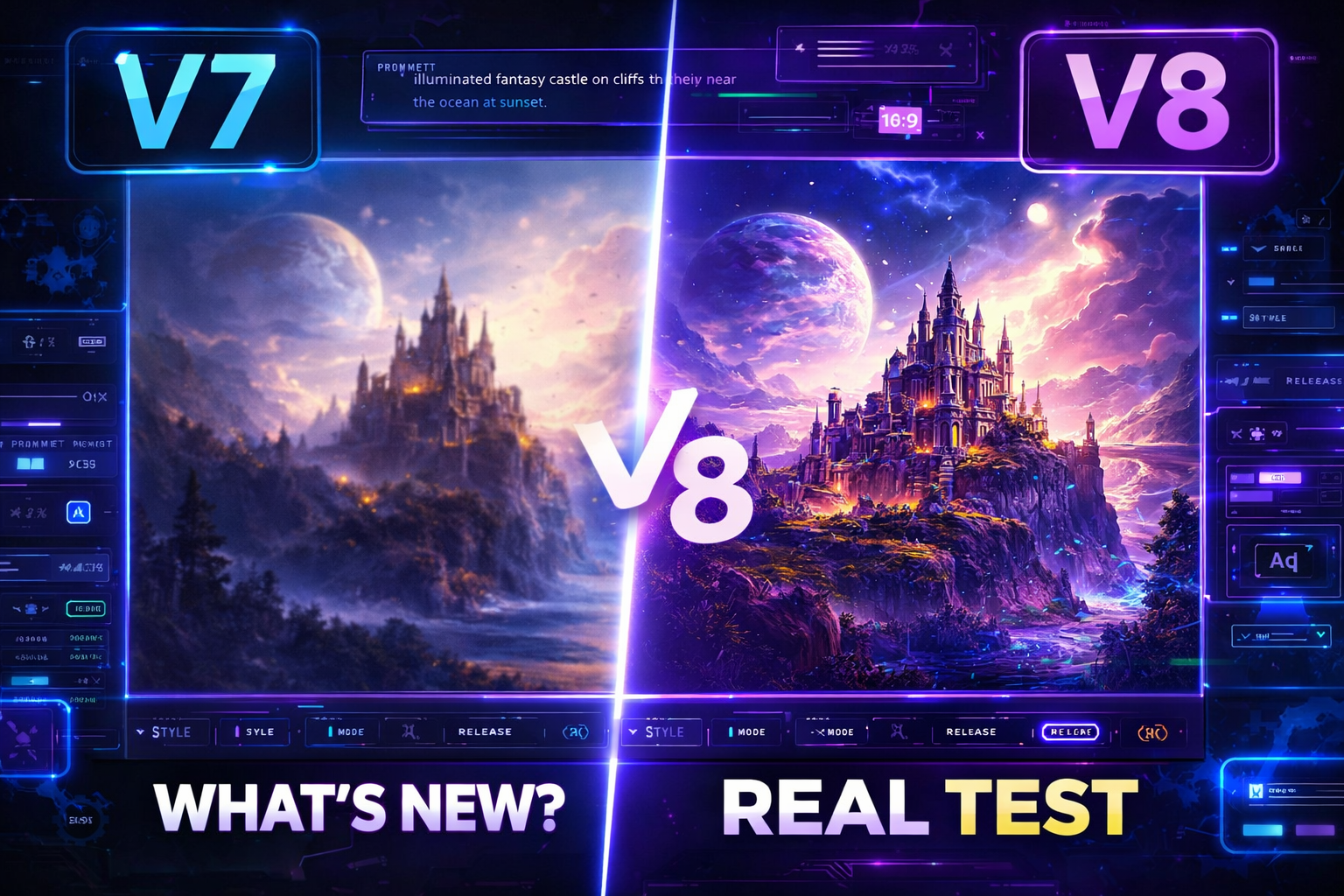
MidJourney has become one of the most talked-about AI image generators because it keeps pushing visual quality, creative control, and workflow speed forward. In early 2026, Midjourney’s official update feed showed a V8 rating party, which means the model was still being refined through community testing. At the same time, Midjourney’s docs still listed V7 as the current default version, so the smartest way to read V8 is as the latest major update in progress rather than a fully settled legacy release.
If you are watching MidJourney V8 closely, the big questions are simple: what changed, how much does it cost, and is it actually better in real use? The answer depends on whether you care most about speed, accuracy, image quality, text rendering, or budget. Midjourney’s pricing remains subscription-based, with four plans: Basic, Standard, Pro, and Mega, starting at $10/month and going up to $120/month. Annual billing offers a 20% discount.
What is MidJourney V8?
MidJourney V8 is the next major version being tested by Midjourney in 2026. Midjourney’s official updates show that the company ran a V8 rating party in February, asking users to compare image pairs to help improve the model before release. Some recent reports say V8 entered alpha around mid-March 2026, with claims of faster generation, native 2K output, stronger prompt understanding, and better text rendering, but those details should be treated as evolving because Midjourney’s official docs have not yet replaced V7 with V8 as the default.
Features expected from MidJourney V8
The biggest improvement people are watching for is better prompt adherence. In plain English, that means the model should follow detailed instructions more accurately and produce images that match your idea with fewer retries. Reports around the V8 testing phase also point to improved text rendering, which is a major deal for posters, thumbnails, album art, and ads where readable words matter.
Another major expectation is higher native resolution. Recent reporting says V8 is being tested with native 2K output and a high-definition mode, which could reduce the need for extra upscaling steps. Some reports also claim the new version is significantly faster than the previous one, though these performance claims are still best treated as early testing feedback rather than final benchmark data.
Midjourney’s broader web platform already includes a growing set of creation tools that matter for V8 users: the Create page for live generation, the Edit tab for remixing and inpainting, Personalization profiles, and Moodboards for building custom styles. Those features are important because they shape how people will actually use V8 in daily work, not just how it looks in demos.
MidJourney pricing in 2026
Midjourney’s official pricing is subscription-only. The current plan chart lists Basic at $10/month, Standard at $30/month, Pro at $60/month, and Mega at $120/month. Annual billing is discounted, and Midjourney also notes that plans renew automatically unless canceled.
The feature split matters just as much as the price. According to the official plan comparison, Standard, Pro, and Mega include unlimited image generation in Relax Mode, while Pro and Mega also include private Stealth Mode. Fast GPU time is limited by tier, and extra GPU time can be purchased at $4/hour across plans.
For most creators, the Standard plan is the sweet spot because it balances monthly cost with much more usable generation capacity than Basic. For agencies, freelancers, and people working with private client work, Pro becomes more attractive because of Stealth Mode and larger limits.
Real test: is MidJourney V8 actually better?
The best way to test MidJourney V8 is not to look at one pretty image. It is to run the same prompt through multiple scenarios and compare results. Test these five things:
First, check prompt accuracy. Use a long prompt with subject, background, lighting, camera angle, and style details. A strong model should keep all the important parts intact without drifting. That matters because Midjourney’s own docs emphasize prompt-based creation, while the V8 testing phase suggests the next leap is better understanding of complex instructions.
Second, check text rendering. Try a poster, product ad, or social thumbnail with short headline text. The real question is whether the model keeps the text readable and clean at a glance. Reports around V8 specifically highlight text rendering as one of the key upgrades.
Third, check coherence and consistency. Look at hands, faces, object placement, and scene balance. If the image has fewer visual mistakes and fewer weird distortions, the model is giving you a real workflow advantage. Recent V8 coverage points to better coherence as part of the upgrade story.
Fourth, check speed vs. cost. If a new high-definition mode burns through time faster, that may be fine for premium work but painful for high-volume production. Midjourney’s own pricing structure makes this especially important because usage is tied to plan limits and GPU time.
Fifth, check workflow fit. Midjourney is not just about image quality anymore. The Create page, Editor, Personalization, and Moodboards all matter because they help you shape a repeatable style, not just a single one-off output.
Who should use MidJourney V8?
If you create thumbnails, ad visuals, posters, social creatives, fantasy art, or concept imagery, MidJourney V8 is worth watching closely because the upgrade path appears focused on better control, stronger visuals, and faster iteration. If you only need occasional AI images, the Basic plan may be enough, but regular creators will probably feel the value faster on Standard or Pro.
Final verdict
MidJourney V8 looks like a major step forward, but the smartest SEO and editorial angle is to describe it as a 2026 upgrade in testing, not as a fully static release with fixed specs. The official signals show Midjourney actively preparing V8 through community ratings, while the pricing and workflow tools already in the product make it clear that Midjourney is building for serious creative work.
If you want the best outcome, write about V8 as a practical question: does it make creation faster, cleaner, and more usable for real creators? That framing is more useful than hype, and it will rank better because it matches what searchers actually want to know. This is especially strong for audiences looking for “features,” “pricing,” and “real test” in one article.